- Products
 FlowAccountEasy to use cloud accounting software for small businesses and solo entrepreneurs
 MobilePOSEasy to use mobile point of sale system for retail and service businesses
 PayrollSimple payroll solution that helps small business to run payroll online from anywhere
 AutoKeyEasy receipt management tool for expense tracking and online document storageReview FlowAcount
 - Pricing
- ServicesBusiness RegistrationBusiness Registration service along with The highest package of FlowAccount and many other valuable benefits for entrepreneurs
 Find an Accounting FirmFlowAccount helps provide a digital accounting office that fits your business. Guaranteed expertise in online accounting software
 Google WorkspaceExperience the power of Google Workspace at a special price, exclusively through FlowAccount
 - Partner
 Accounting Firm PartnerFlowAccount helps provide a digital accounting office that fits your business. Guaranteed expertise in online accounting software
 For EducationFlowAccount provides Online Accounting Software to Academy. Free to use throughout the course
 Our integrationsSeamlessly manage both business and accounting in one workflow with our integrated platforms
 - Academy
 Accounting KnowledgeUserful resource for accounting firms, accountants and business ownersWorkshop and SeminarsLearn to do business at your own pace. Start from knowing our system and increase your knowledge of accounting and taxesVideo TutorialsVideo clips to explain each features for smooth sailing so you can start by yourselfFlowAccount Manual GuideLearn to use our online tools to help you succeed in your business. Start reading hereFAQ
 - Contact Us






Bank Reconciliation
Bank reconciliation confidence that every payment in and out is correct
Connect your bank to import transactions and expenses to your
accounting documents. Reduce manual keying errors, save time,
and keep your account balances up to date at all times.


3,005 reviews

Reconcile your bank and see your full financial picture in one place
Know your finances health
Everything in one place
Easy collaboration
Know your finances health
Know your business's financial health
Your whole financial picture on a single screen
Track cash flow, the available balance across every bank account, and any transactions that haven't been matched to a document yet, all brought together in one financial dashboard so you can see the big picture instantly.

Everything in one place
Accounting documents and bank data in the same system
Just connect FlowAccount to your bank account, or import your bank data into the system, and you can compare the total in your FlowAccount books against the total on your bank statement — all in one place, and create documents right from there.

Easy collaboration
Work smoothly with your accountant
Business owners can grant access to their accountant and set up a separate login to make the accountant's work easier. You can also add notes to explain individual money-in and money-out items directly from the statement inside FlowAccount.

Features that make bank reconciliation easier


Connect KBank and ttb to FlowAccount for automatic daily bank imports

Automatic bank imports
Just connect and configure once, then let your bank data flow into FlowAccount automatically, no need to download it yourself every day.

Up-to-date overview
Transaction data updates every day, so you can finish reconciling in minutes and see an accurate, day-by-day view of your business's cash flow.

Fast reconciliation
Once a sales or purchase document is created and its total matches the automatically imported bank data, just tap to match and reconcile — done.


Articles related to bank reconciliation
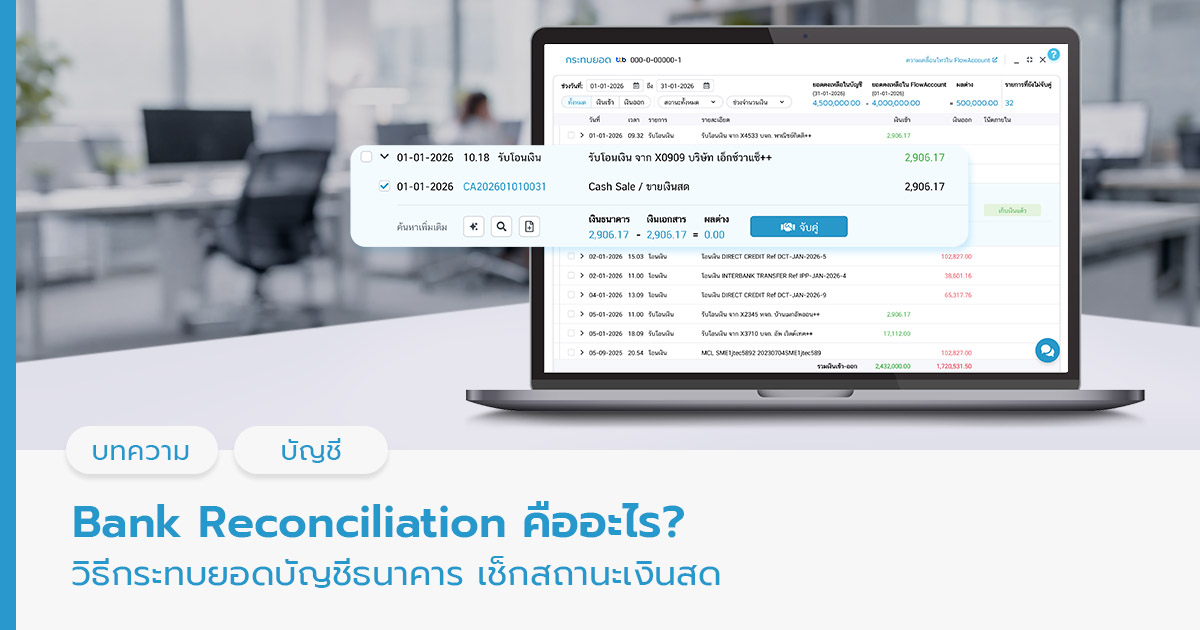
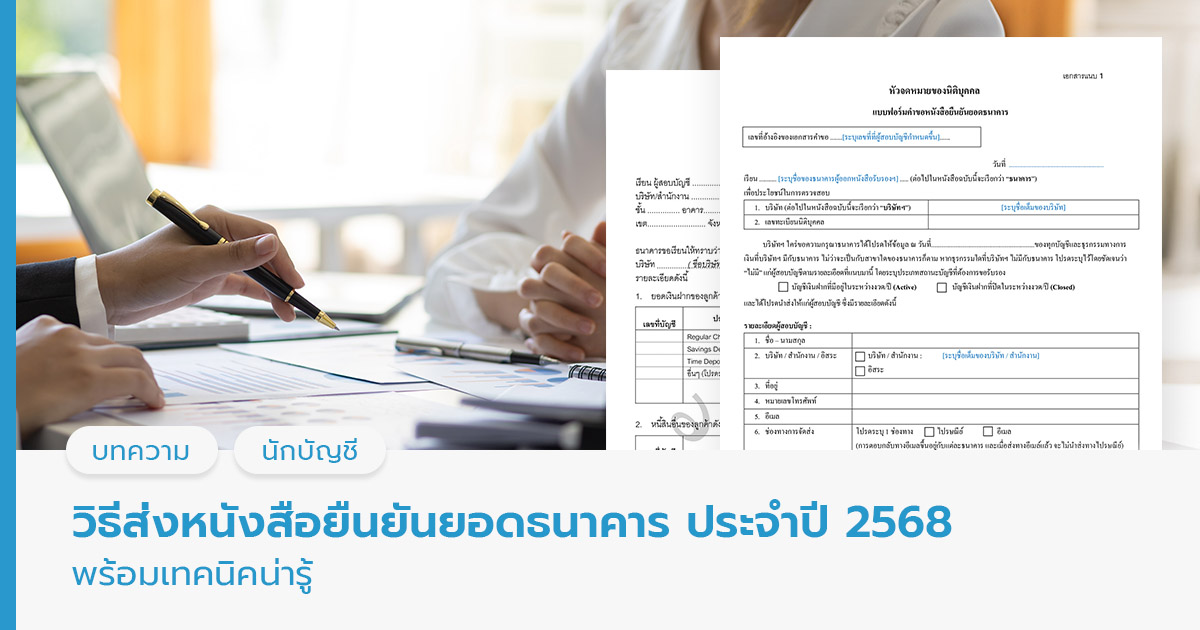
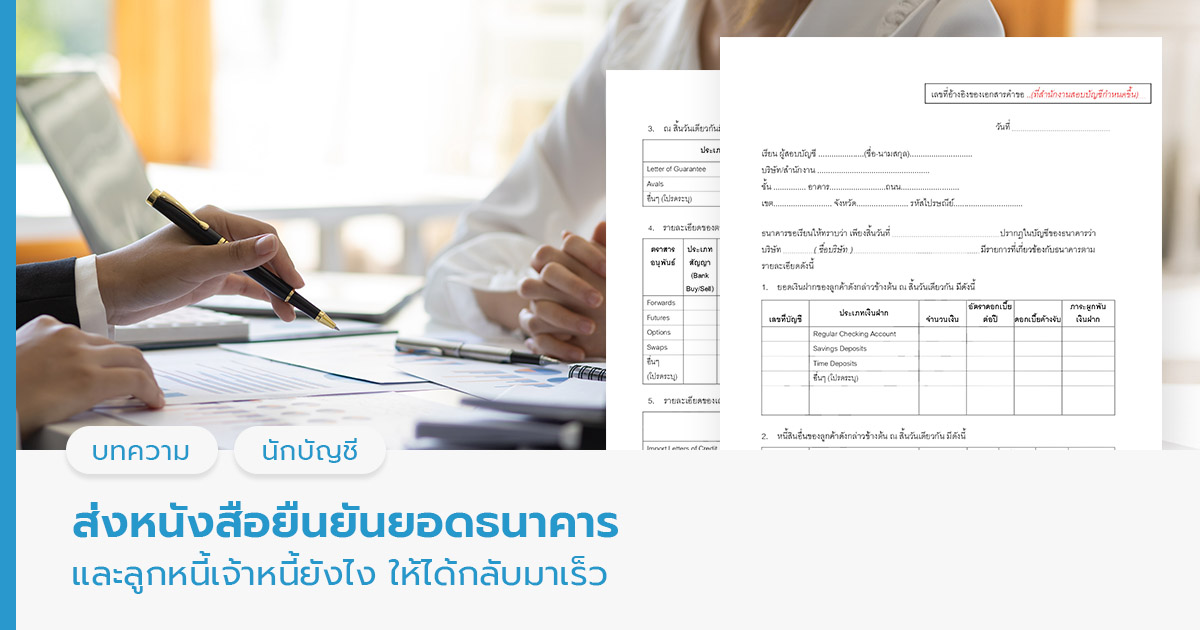
Everything you need to know about bank reconciliation, written by expert accountants, to give you more confidence in running your business. Pick an article that helps you understand your business's financial health.

Frequently Asked Questions
What is bank reconciliation, and why do it?
Bank reconciliation is the process of comparing the bank balance recorded in your company's books against the balance on the bank statement, then identifying and correcting any differences. You do it to verify accuracy, prevent errors, guard against fraud, and produce reliable financial statements.
How often should I reconcile my bank account?
At least once a month, after you receive your bank statement. Businesses with frequent money in and out may do it weekly or even daily to monitor liquidity and reduce the risk of errors.
What are the main reasons a company's book balance doesn't match the bank's balance?
Common causes include checks that have been issued but not yet cashed, deposits in transit (deposited but not yet processed by the bank), bank fees the company hasn't recorded, interest income credited by the bank but not yet known to the company, bounced customer checks, and bookkeeping errors.
Who should be responsible for bank reconciliation?
It should be someone who isn't responsible for handling cash or issuing checks — this is good internal control and reduces the opportunity for fraud. It's typically an accounting staff member or an internal auditor who is independent of the finance function. Business owners should also have access to the reconciliation so they can stay confident about their company's financial and accounting health every month.
What documents do I need for bank reconciliation?
The documents you'll need include the bank statement, the company's cash book and bank book, the cash receipts and payments journal, check stubs and copies of issued checks, deposit slips, and the previous month's reconciliation statement.
What should I do if I find a difference I can't explain after reconciling?
Review every transaction in detail going back through the records, check for misrecorded figures, duplicate or missing entries, and review the previous month's reconciliation statement. Contact the bank for more detail if needed. If you still can't find the cause, consult an auditor or a specialist.
What is the bank reconciliation feature in FlowAccount's online accounting software?
It's a feature that lets any business compare the income and expense transactions in its bank account against the purchase and sales documents recorded in FlowAccount. You can view your daily, monthly, or yearly cash cycle with confidence, understand where every amount comes from and goes, and verify it all — without re-keying. Just connect your bank account for automatic imports KBank / ttb, or import a statement as a PDF; either works.
What are the advantages of reconciling on FlowAccount's online accounting software?
The system suggests matching corresponding transactions for you. Simply check that the match is correct and tap “match” to link the documents. Quick and convenient.
Are there any extra charges for using FlowAccount's bank reconciliation feature?
The bank reconciliation feature is included in all packages — Standard, Pro, and Pro Business. You can import your bank statement as a PDF file to reconcile transactions. For Pro Business users with a KBank or ttb business bank account, you can also connect Auto Bank Feed to automatically import bank transactions day by day via the Finance or MyPlatform menu.
Promotion Terms & Conditions
KBank
- Free! Auto Bank Feed Add-on fee worth THB 990/year for the first year. The annual fee will apply from the second year onward and will be billed annually through FlowAccount.
- Free! bank data connection fee of THB 1,000/account/year for the first year, with no limit on the number of accounts. Starting from the second year, additional fees of THB 1,000/account/year apply, payable through KBank.
- This promotion is available only to customers who apply and are approved by the bank between September 1, 2026 and December 31, 2026.
ttb
- Free Auto Bank Feed Add-on fee worth THB 2,990/year, covering up to 5 bank accounts, for the first year. The annual fee will apply from the second year onward and will be billed annually through FlowAccount. The fee includes the ttb bank data connection fee.
- This promotion is available only to customers who apply and are approved by the bank between March 6, 2026 and December 31, 2026.