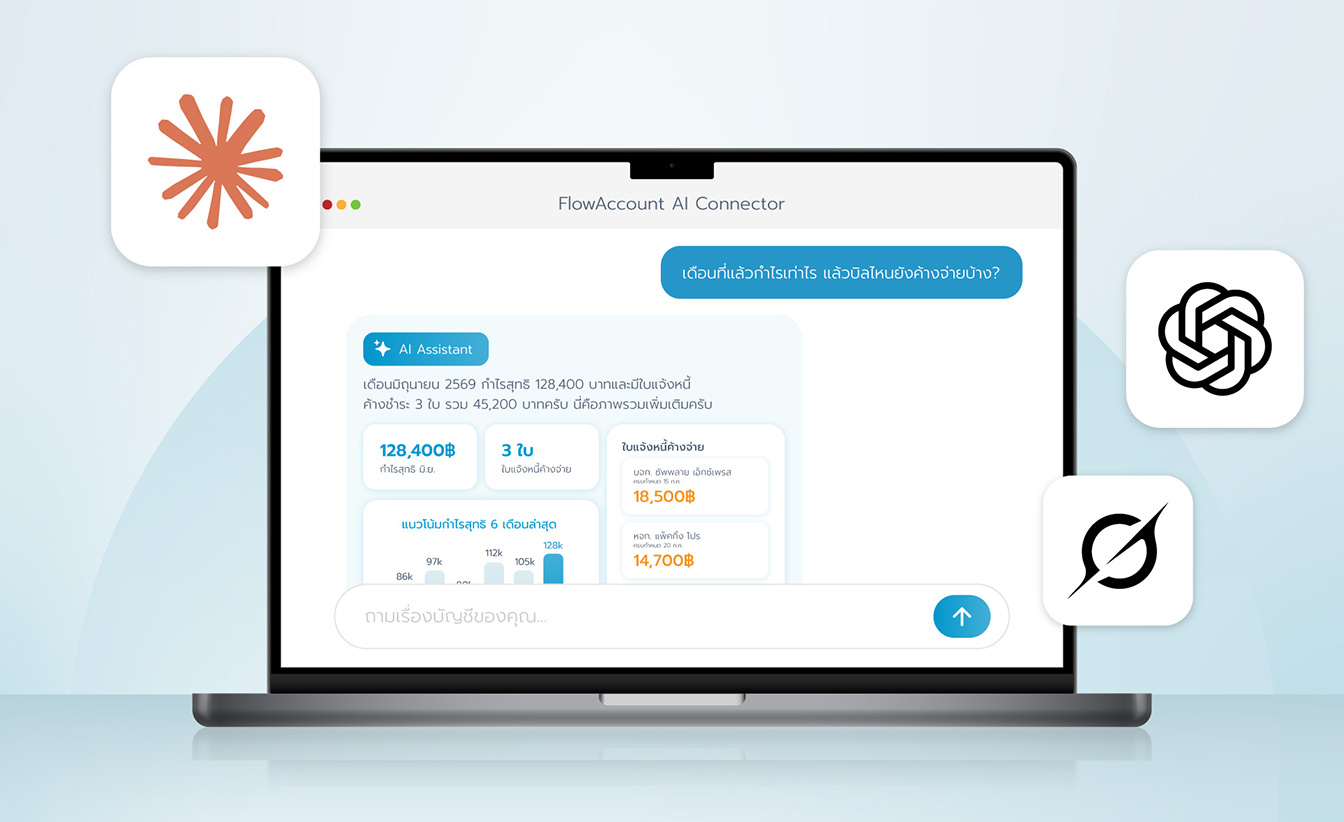




FlowAccount AI Connector

Connect FlowAccount with Claude or ChatGPT using the AI Connector (MCP)

Use Claude or ChatGPT to instantly query your sales, expenses, profit and put your business numbers to work through the FlowAccount AI Connector.

Intelligent answers from your own data

Intelligent answers from your own data

AI pulls Insights and answers from data across your entire company.

Create sales & expense documents

Create sales & expense documents

Issue quotations, tax invoices, and other documents easily with AI.

Automate your workflows

Automate your workflows

Build AI powered automations that reduce repetitive, routine tasks.

Introducing FlowAccount AI Connector (MCP)Free with every plan

Get Insights

Insights straight from your real data
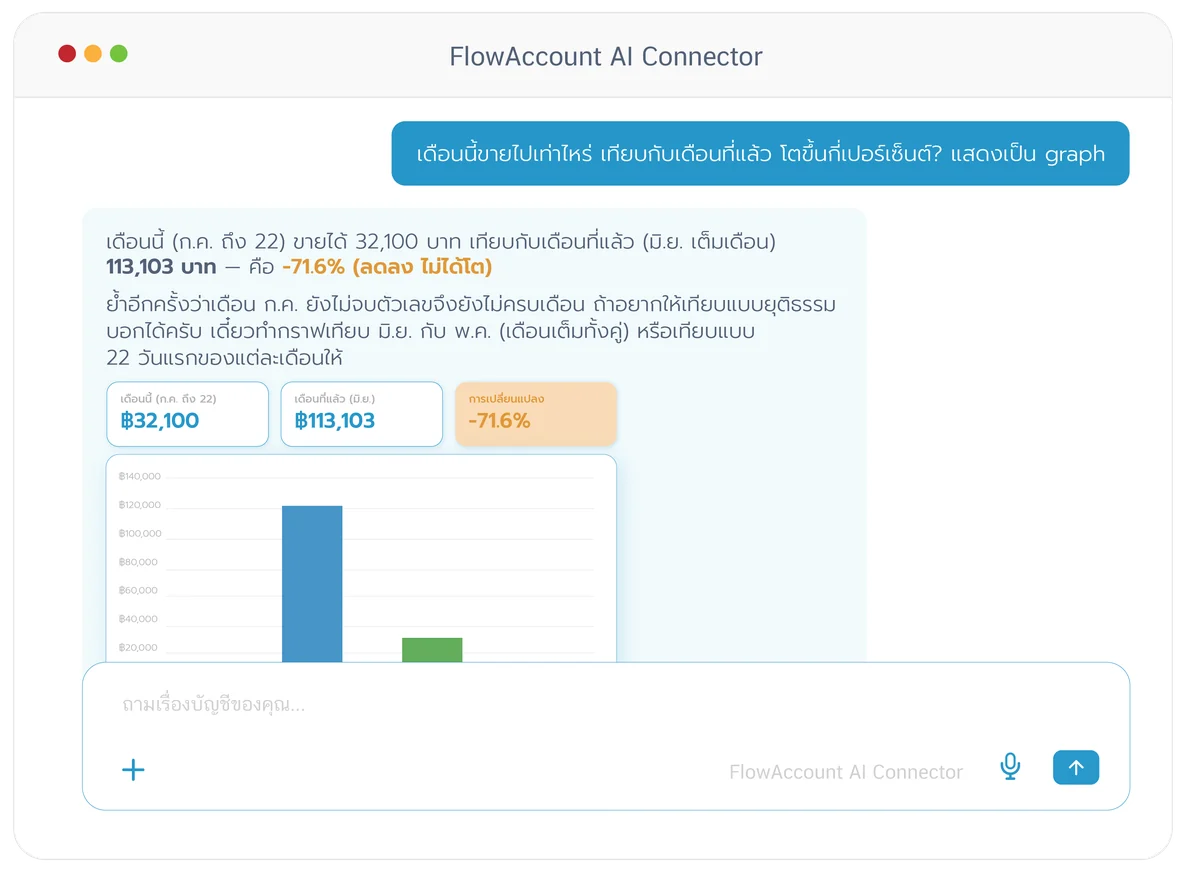
Know where your business stands from real data. Build dashboards your way.

Try this prompt: "Summarize this month's revenue, cost, net profit, and what's the gross margin percentage this quarter? Show in a graph"

Build Automations

AI Automation — set up once, runs on its own
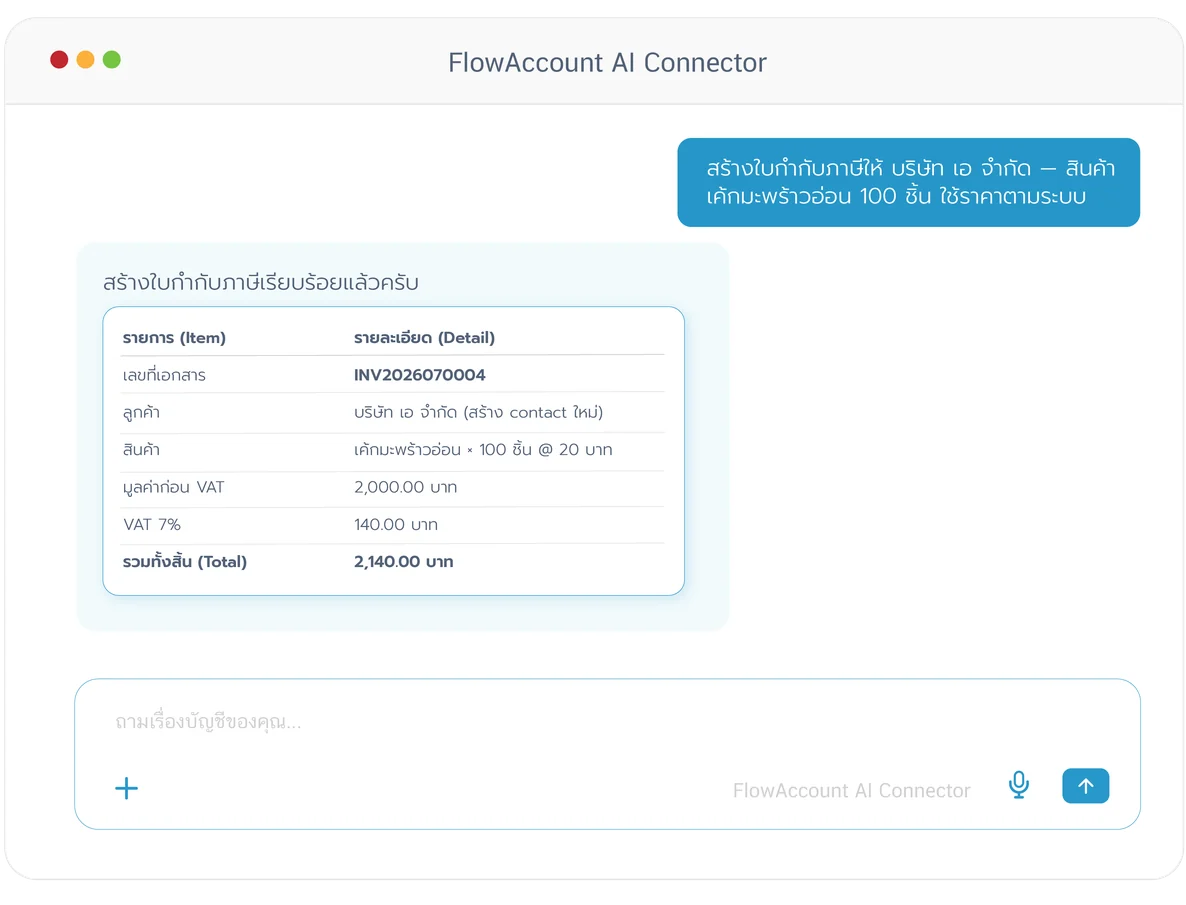
Create documents and build automations easily

Try this prompt: “Create a quotation for Company A — [product] 100 units, using the system price”

*Early Access. Be among the first to try this feature.Click here to join.

Over 30+ tools under your control...

FlowAccount AI Connector

11
Purchases Cash invoices Quotations Receipts Tax invoices

Company & Contacts

3
Companies Load Company Settings Contacts

Sales Documents

8
Tax Invoices Quotations Receipts Billing Notes

Expense/Purchase Documents

3
Expenses Purchases Get Expense Document

Accounting Reports & Journals

11
Profit & Loss Report Balance Sheet Report Trial Balance Report

Product

3
Products Product Categories Get Product

Overview (Search-Backed)

2
Outstanding Invoices AR/AP Aging Summary

*Create and import actions only available to early access customers Click here to join.

How to connect

FlowAccount AI Connector Setup

Easy to connect — works with any package

Claude

  1. 1Open Claude.ai, go toSettings >Connectorsthen clickAdd custom connector
  2. 2Enter the URL of the FlowAccount AI Connectorhttps://mcp.flowaccount.com/mcpthen log in with your FlowAccount account
  3. 3Select the company you want AI to read data from, then start asking
Connect with Claude

ChatGPT

  1. 1Turn onDeveloper modeinSettings >Security and loginthen go toPlugins >Browse pluginsand selectAdd custom connector
  2. 2Name it "FlowAccount", enter the URLhttps://mcp.flowaccount.com/mcpthen log in with your FlowAccount account
  3. 3Select the company you want AI to read data from, then start asking type@to specifically invoke FlowAccount
Connect with ChatGPT

*Note: If you have multiple companies, the connection is tied to the company selected at login. To switch companies, click Disconnect and then Connect again (on ChatGPT remove the connector and add it again), then select the company you wish to use.

See more AI Connection guides

How to connect

Frequently Asked Questions

What is an MCP?

MCP (Model Context Protocol) is an open standard that lets AI like Claude and ChatGPT securely connect to external tools and data. Think of it as a bridge that gives AI direct access to real, up-to-date information from various systems, instead of answering from general knowledge alone.

What is the FlowAccount AI Connector?

The FlowAccount AI Connector is the link between the FlowAccount online accounting software and AI assistants like Claude and ChatGPT, letting them read your business's sales, expenses, accounting reports, and inventory in real time — so they can answer accounting questions in plain language without you having to open reports or export data yourself.

Which FlowAccount package do I need to connect via MCP to AI like Claude and ChatGPT?

It works with any active FlowAccount package. You just need at least one company, permission to access that company's accounting data, and an active account with an MCP-capable AI assistant like Claude or ChatGPT.

Who can use FlowAccount MCP, and how is access managed?

MCP access is initially available to the Account Owner only. The Account Owner can then grant access to other users in the company, specifying which types of MCP tools each user can use — for example, read-only access, or access that includes creating documents.

However, MCP access does not override a user's FlowAccount role permissions — if MCP permits an action but the user's role does not, the user still cannot perform it. Role permissions are always the final gate.

The Account Owner can also turn off MCP access for individual users or for everyone at any time.

What can AI like Claude and ChatGPT do with my FlowAccount data?

AI assistants like Claude and ChatGPT can do two things: read your data and create new documents.

Reading: View your sales, expenses and purchases, and accounting reports (profit & loss, balance sheet, trial balance, AR/AP aging).

Creating: Create new documents including cash invoices, tax invoices, expenses, and journal entries (JV, RV, PV, SV, UV).

What AI cannot do: edit or delete any existing records in the system.

What if I have multiple companies in FlowAccount?

The connection is tied to the one company selected at login. To switch to another company, Disconnect and then Connect again, choosing the company you want. (Switching companies on the FlowAccount website does not change the company connected in AI like Claude and ChatGPT.)

How safe is my business data?

The connector reads only the accounting data needed to answer your question; it does not access files on your device or other chat history. Data retention and use for model training follow the terms and plan of the AI provider you use, such as Claude (Anthropic) and ChatGPT (OpenAI). FlowAccount sends data solely to answer questions and does not sell your personal data. Read more in the Privacy Statement.

I can't connect, or AI like Claude and ChatGPT isn't pulling data — what should I do?

Check that you're logged in with the correct user and company, and that the connector is still Active in your AI assistant's connector settings (e.g. Customize > Connectors in Claude). If it still doesn't work, Disconnect and Connect again, or contact our team via LiveChat, support@flowaccount.com, or call 02-026-8989.

How do I disconnect FlowAccount from Claude and ChatGPT MCP Connectors?

If you want to disconnect FlowAccount from AI assistants like Claude and ChatGPT, just go to your AI assistant's connector settings (e.g. Customize > Connectors in Claude) and click Disconnect. Your data will no longer be accessed the moment you disconnect, and you can reconnect again anytime.

Are there usage limits?

There are two levels of limits.
Session limit (per conversation): There is a cap on how many actions the AI can send per minute within a single conversation, to prevent runaway loops or excessive repeated requests. If the limit is reached, the system pauses briefly and resumes automatically in the next minute.

Monthly quota (by plan): Each plan includes a monthly credit allowance that resets on your billing anniversary date — the date your subscription started, not the 1st of the month. The allowance is designed to be sufficient for most SME users, comfortably supporting thousands of document creations, reports, and analyses per month. When the monthly quota is reached the system stops processing requests until the next reset. To get more, contact our team via LiveChat, support@flowaccount.com, or call 02-026-8989.

Trusted by over 130,000 businesses using online accounting to run their business

Start for free