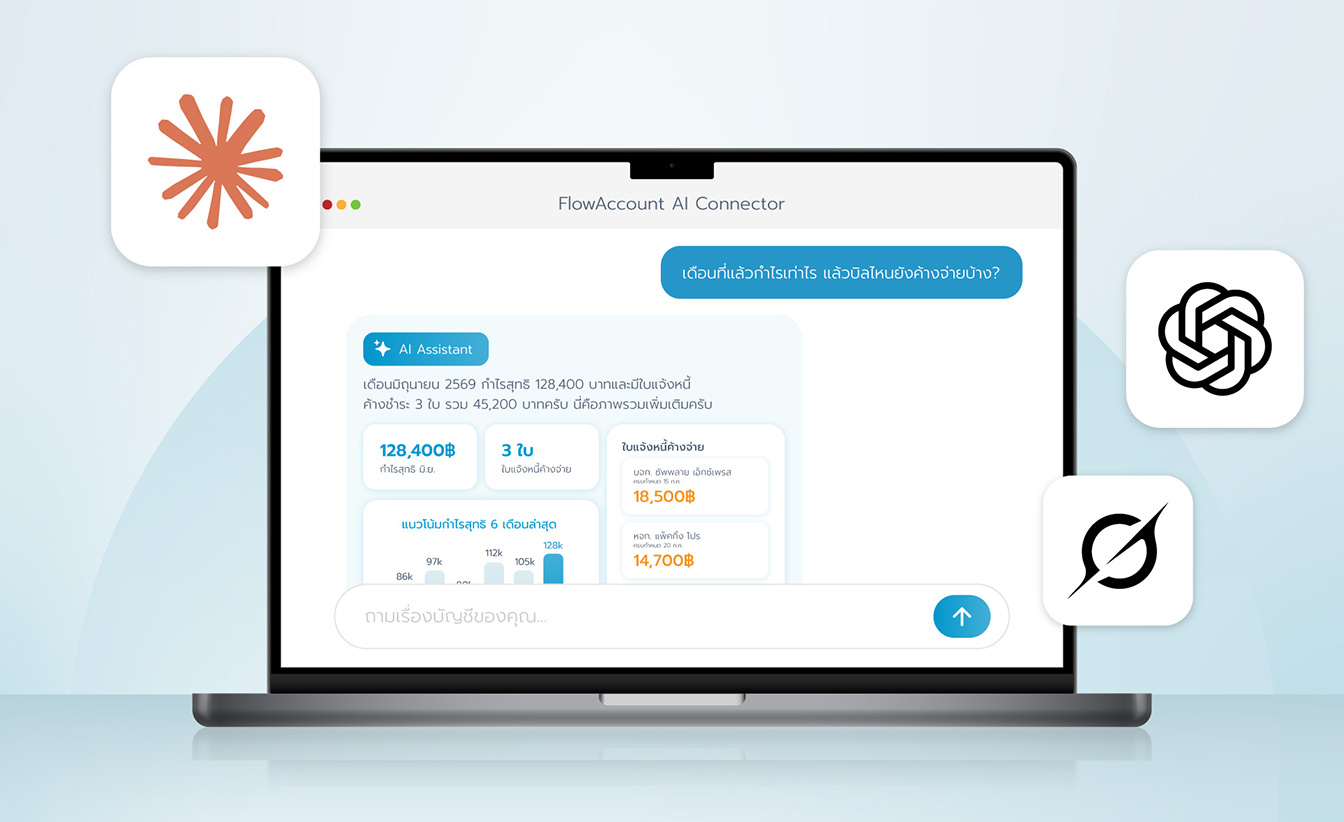








Connect FlowAccount to Claude to get instant financial insights, review your books, and create documents through a simple conversation. The FlowAccount Connector lets you pull live sales, expense, accounting, and inventory data so you can ask Claude questions like "What was my profit last month?" or "Create a new invoice for ABC Co." in plain language. The connector can read your data and create documents. See FlowAccount's Privacy Policy.
Before you start
- An active Claude account (Claude.ai, Desktop, Mobile, Claude Code, or Cowork)
- An active FlowAccount subscription with at least one company set up
- Permission in FlowAccount to view the company's data and create permission if you want the assistant to create documents for you
Connect FlowAccount to Claude
Add FlowAccount as a custom connector using its MCP server URL.
Open Claude.ai and go to Settings > Connectors in the left navigation bar.
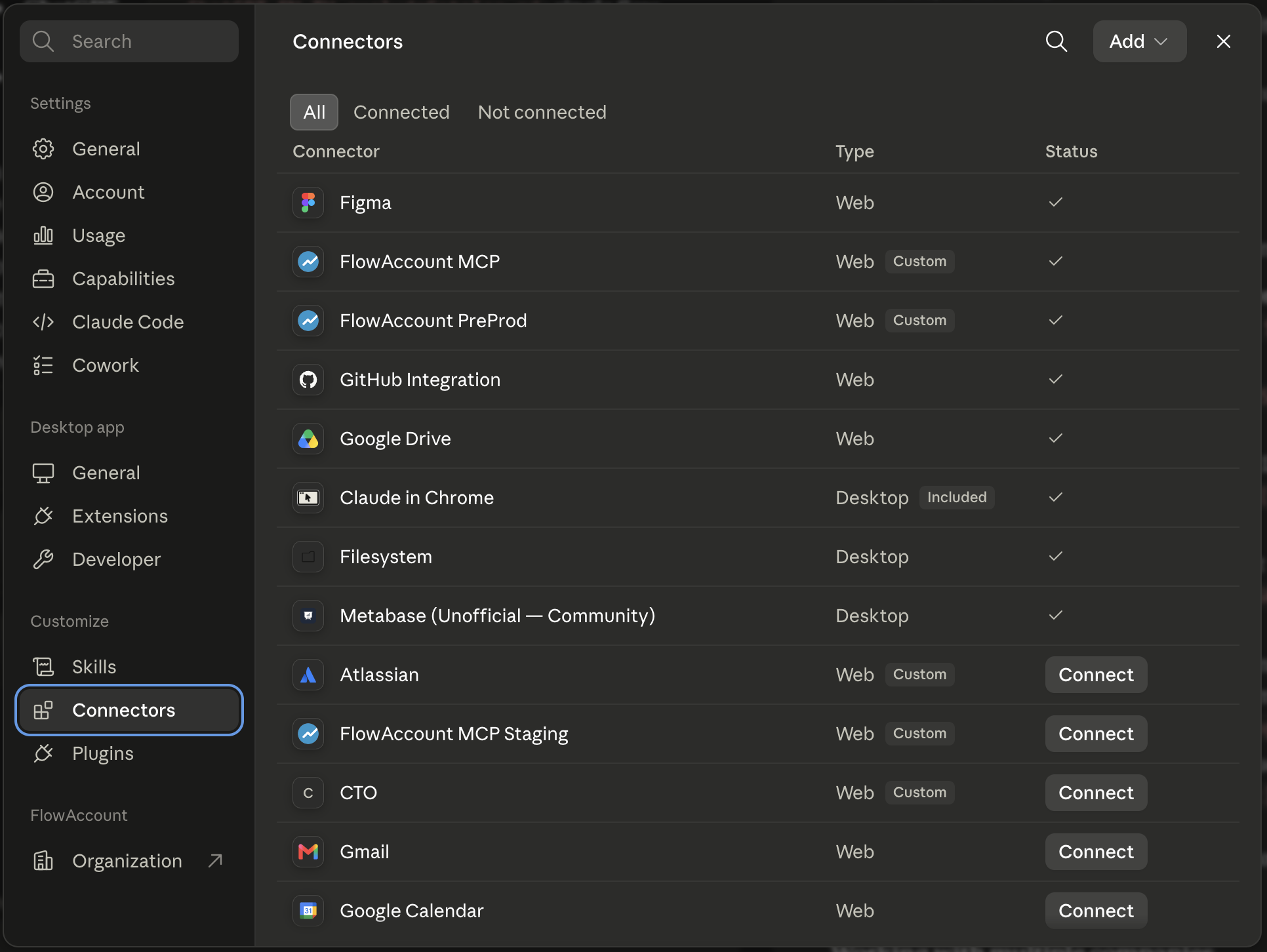
Click Add custom connector.
Enter the FlowAccount MCP server URL:
https://mcp.flowaccount.com/mcp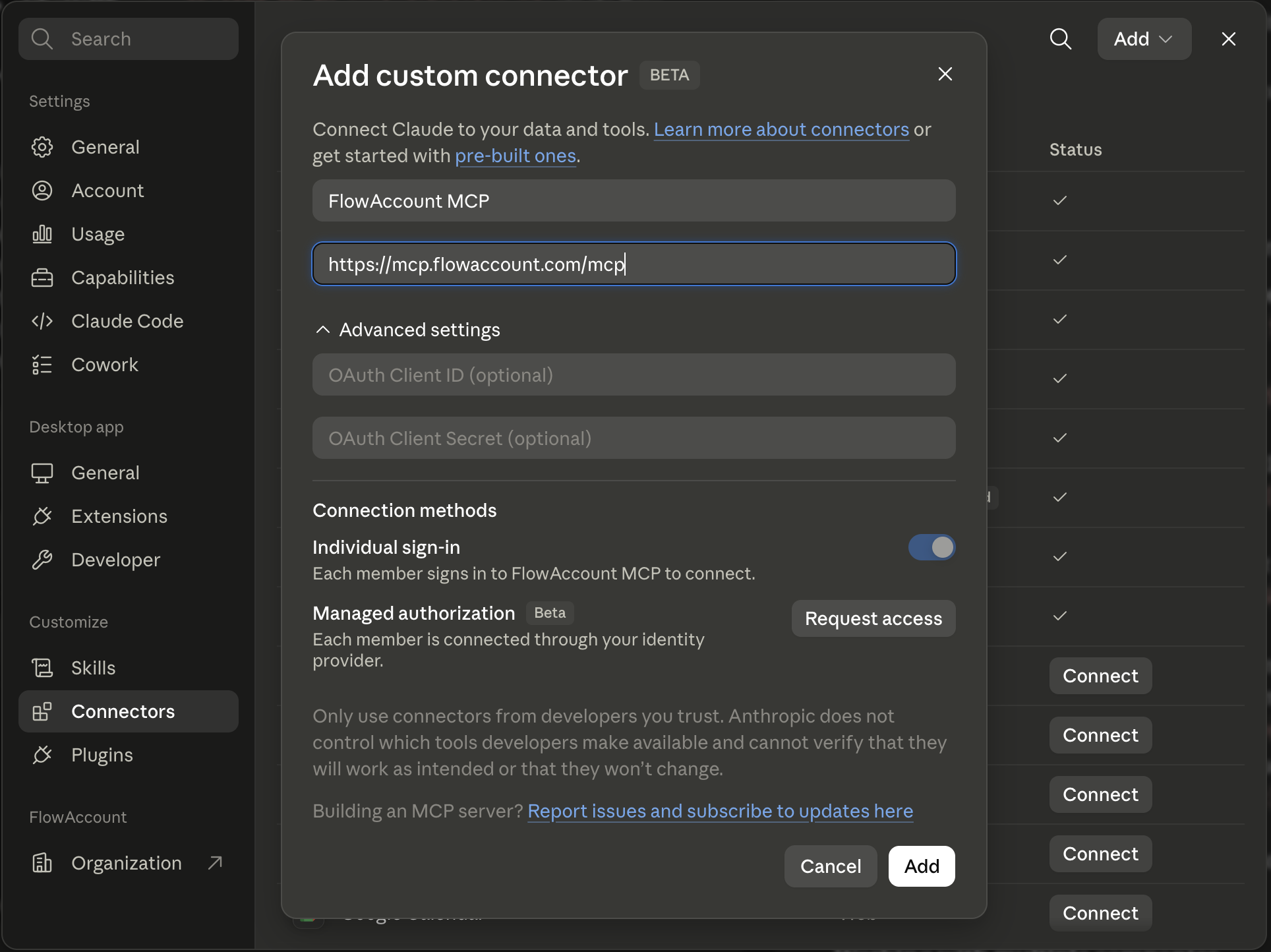
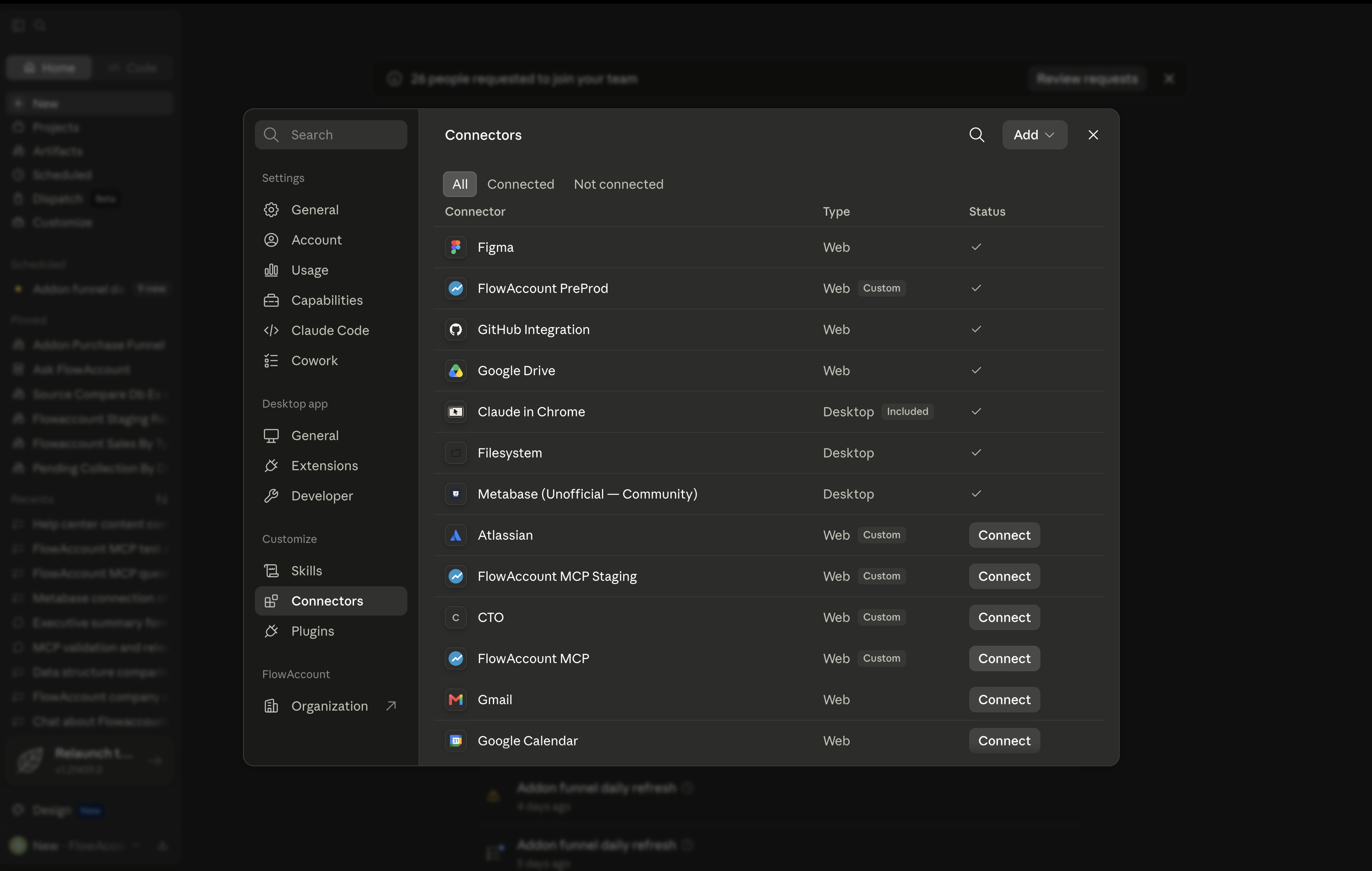
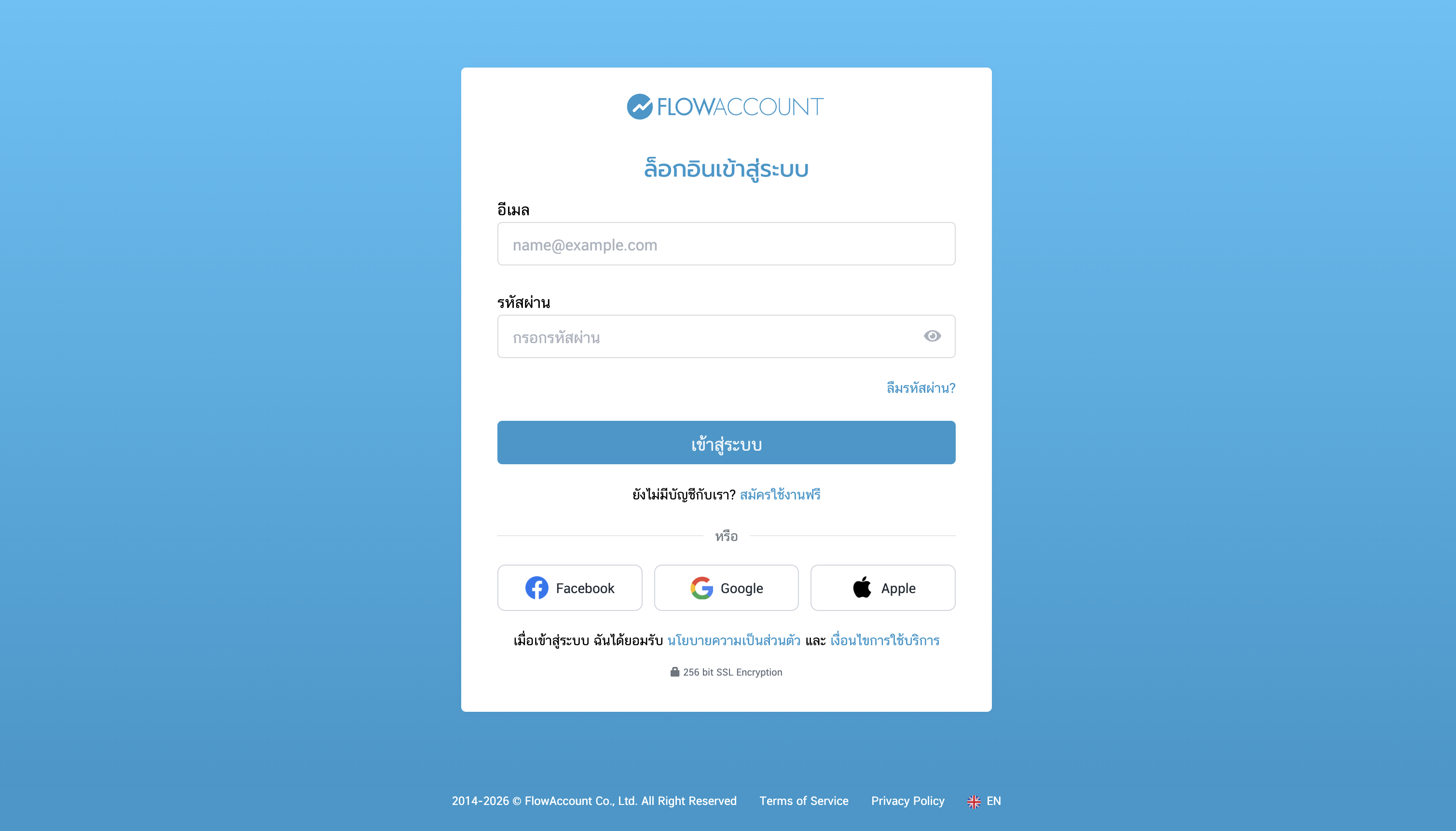
Sign in with your FlowAccount account when prompted and authorize access (OAuth 2.0).
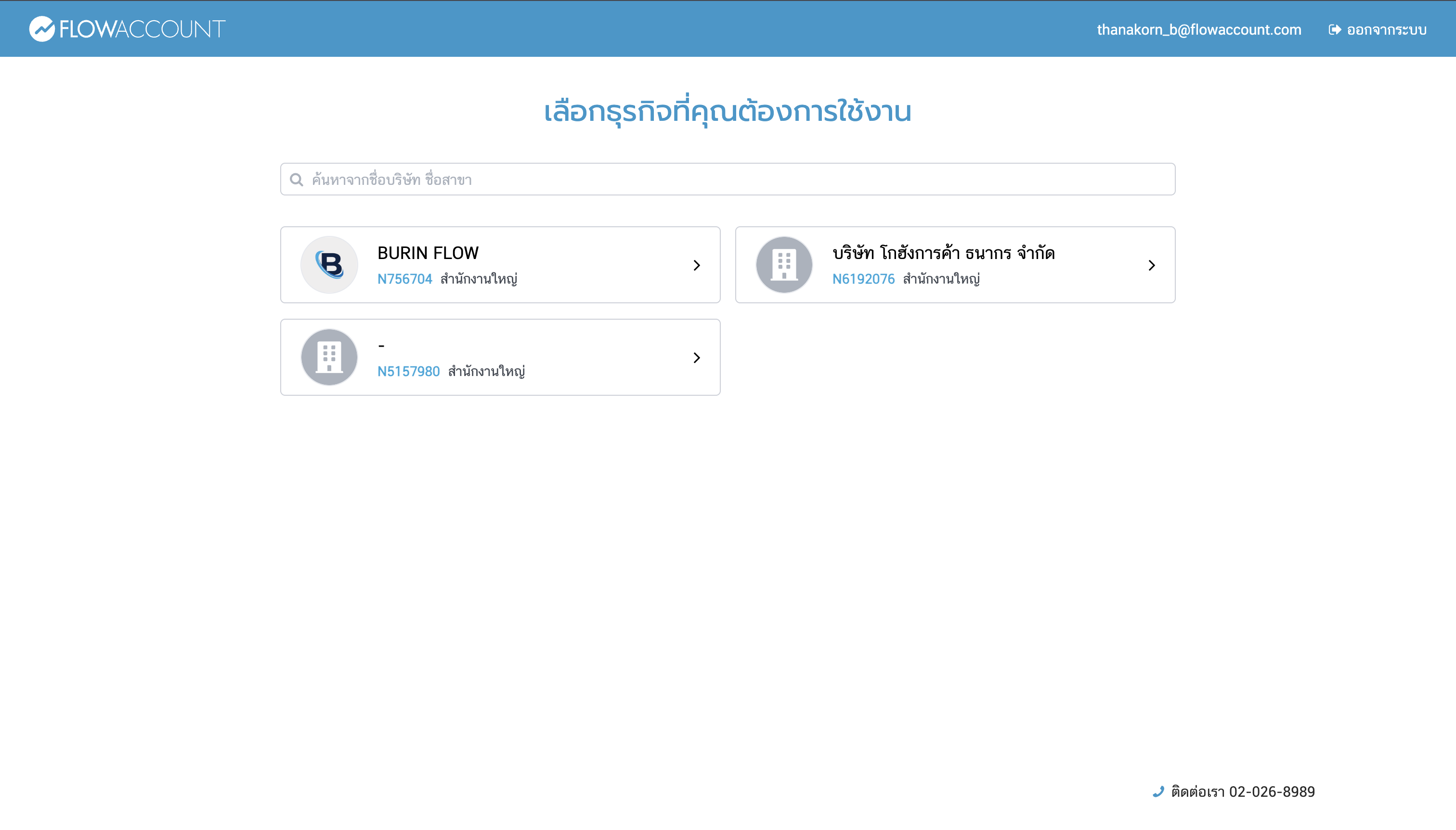
If you have access to more than one company, choose the company you want Claude to read from in the company picker.
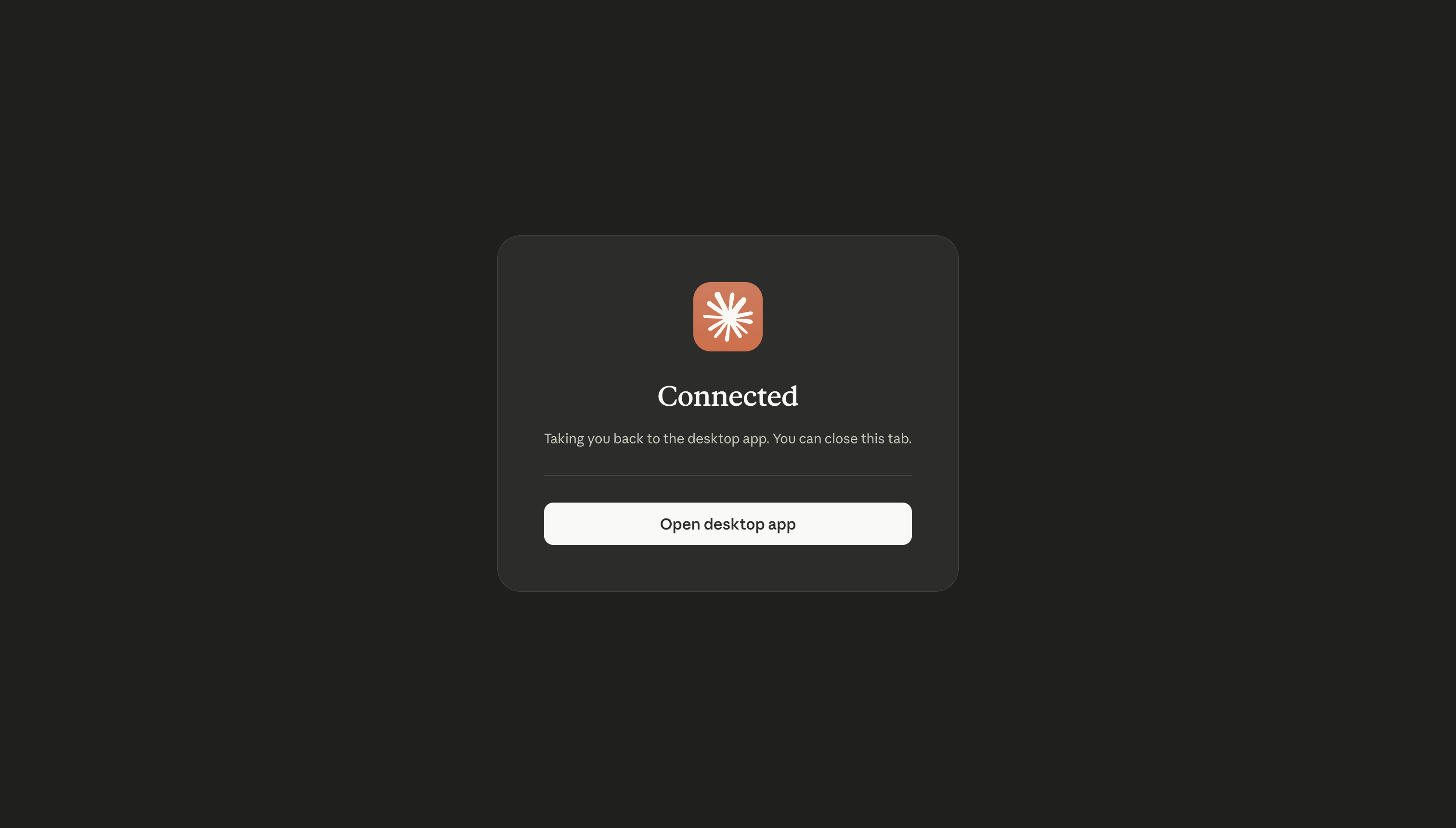
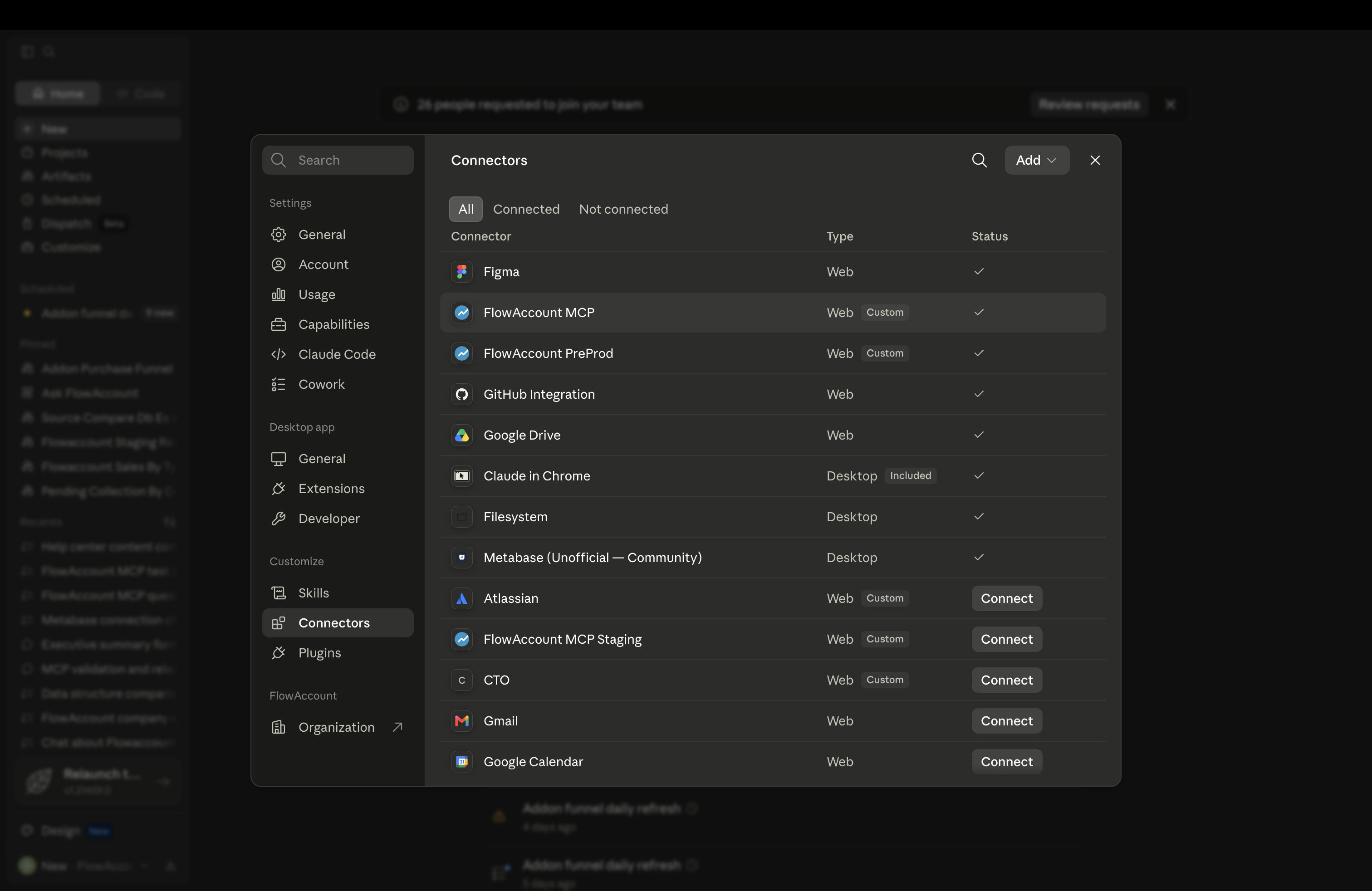
Once connected, start asking Claude questions about your finances.
To disconnect at any time, go to Settings > Connectors and click Disconnect.
Working with multiple companies
All tools are scoped to the one company you selected at login. If you ask about a different company, Claude flags the mismatch and returns data only for the connected company. To switch companies, disconnect and reconnect. (Switching company in the FlowAccount web app does not change the company connected in Claude.)
What you can do
The connector can read your data and create documents, but it cannot edit or delete existing records. Creating a document requires the matching create permission in your FlowAccount role — review anything it creates in FlowAccount. Common requests:
- Sales — "How much did I sell this month?" · "Show quotation QU-2026-001." · "Which invoices are still unpaid?" · "Create a tax invoice for ABC Co." · "Issue a cash invoice for ฿5,000."
- Expenses & purchases — "What did I spend on last month?" · "Show open purchase orders." · "What's outstanding to suppliers?" · "Record an expense of ฿1,500 for office supplies."
- Accounting & reports — "What's my P&L this year?" · "Show my balance sheet for last month." · "Give me the trial balance for this quarter." · "How much is overdue from customers?" · "Post a journal voucher for…"
- Inventory — "Which products are running low?" · "How much of SKU-100 is in the main warehouse?"
Claude pulls live data in real time and can create documents on your instruction. Review anything it creates in FlowAccount, and for decisions with financial, tax, or legal impact, verify the figures directly and consult a qualified accountant.
For accountants & bookkeeping firms
If you manage several clients, you can connect to one client's company at a time and ask about their books in plain language — no exporting reports. It's handy at month-end tax close: scan a trial balance for anomalies, review AR/AP aging, or pull a profit & loss statement before you close. To switch to another client, disconnect and reconnect.
Make sure you're authorized to access each client's data, and connect only companies you're responsible for. Because the connector can now create documents, double-check you're connected to the right company before asking it to create anything in a client's books.
Privacy & data handling
The connector reads only the accounting data needed to answer your request and does not access Claude's memory, chat history, or your local files. Data is processed in the United States (a cross-border transfer to Anthropic). Anthropic does not use raw connector/MCP content to train its models. Beyond that, whether your conversation data is used to improve models depends on your Claude plan — the default differs between consumer plans and commercial plans, and consumer plans can turn training off in privacy settings. Check the current policy for your plan here: Is my data used for model training?. FlowAccount handles your data under its Privacy Policy and does not sell your personal data. Contact: support@flowaccount.com. See the full Privacy Policy and Terms of Use.
Troubleshooting
- Trouble connecting — make sure you're signed in to the correct FlowAccount user and company; if it fails, disconnect and reconnect from Settings > Connectors.
- Claude isn't using my data — confirm the connector is active under Settings > Connectors; if disconnected, re-authenticate.
- Numbers look off — verify in FlowAccount first. For discrepancies, contact support (LiveChat, support@flowaccount.com, or 02-026-8989).
- The connector can't do what I asked — the connector currently supports reading data and creating documents; it can't edit or delete existing records, and some actions aren't available yet. If you have a use case you'd like the system to support, share your feedback with us directly via Live chat or mcp_support@flowaccount.com.
Note: if you connect data that includes personal information of third parties (for example, a client's customers or staff), please review FlowAccount's Privacy Policy and Terms of Use for how that data is handled.