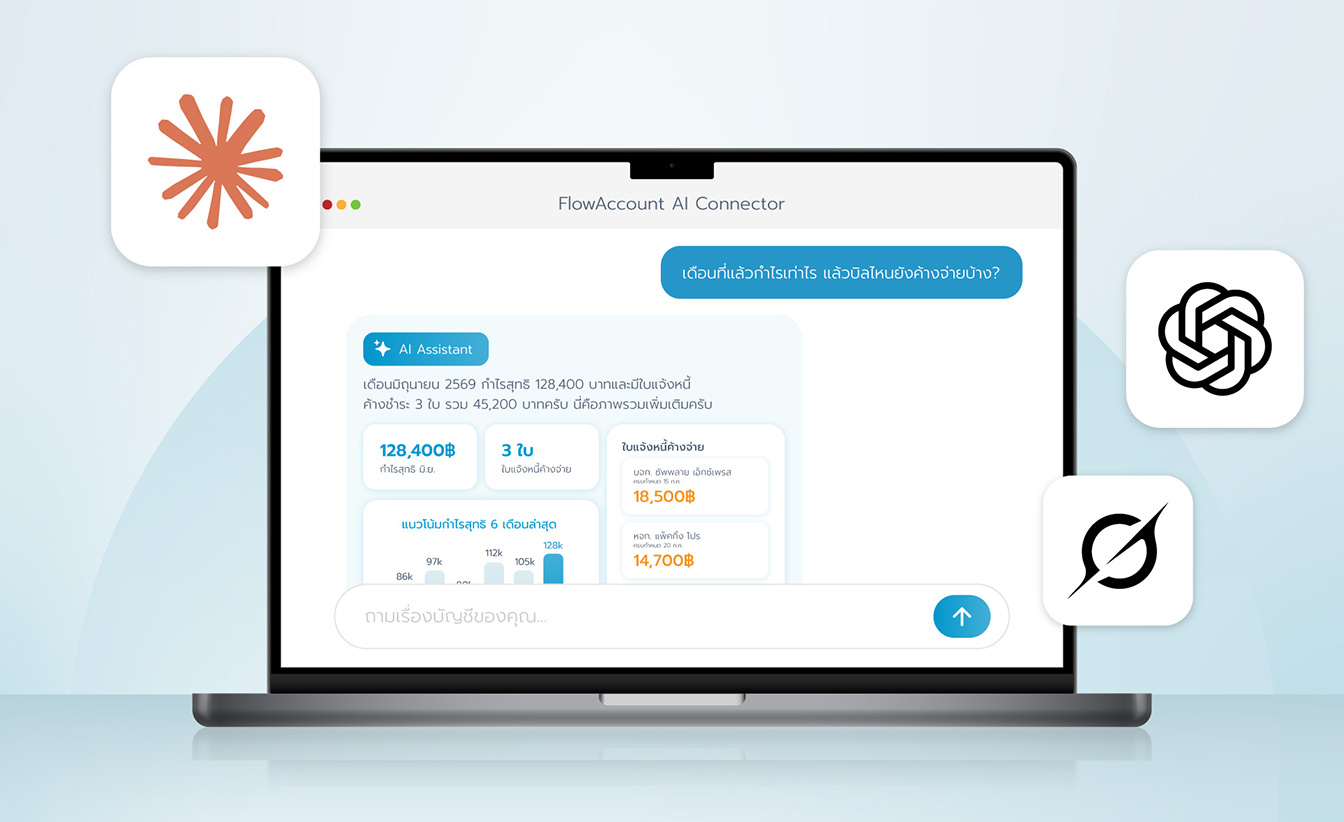







Instruct the AI assistant to create actual documents in your FlowAccount by typing in plain, everyday language. The system will show you a preview to review first, and will only create the actual document once you confirm.
Can the assistant create documents on its own without asking?
No. Every document-creation command works in 2 steps.
Step 1. Preview — shows every line item along with a summary table, plus questions that require your confirmation.
Step 2. Document creation — happens only after you’ve fully answered the questions in Step 1 and clicked confirm or approve.
The preview requires you to confirm at least 4 things:
- The type of document to be created
- The VAT calculation base — whether the stated prices are tax-inclusive or tax-exclusive
- How VAT and discounts are displayed (itemized per line or summarized at the end of the document)
- Whether a new contact or product needs to be created
What documents can it create?
| Document | Example command |
|---|---|
| Quotation | “Create a quotation for ABC Company for 5 notebooks at 25,000 baht each” |
| Billing Note/Invoice | “Issue a billing note for September office rent to the tenant ABC Company, 20,000 baht” |
| Invoice/Tax Invoice | “Create a tax invoice for ABC Company, service fee 20,000 baht, 30-day credit” |
| Tax Invoice/Receipt (Cash Sale) | “Issue a cash sale document for a walk-in customer, food and beverage total 5,000 baht” |
| Receipt | “Issue a receipt to ABC Company for a 15,000 baht design service, paid by bank transfer today into our KBank account” |
| Purchase Order | “Issue a purchase order for factory safety equipment from ABC Store, 200 pieces at 100 baht each” |
| Goods Receipt | “Create a goods receipt for A4 paper received from OfficeMate, 100 reams at 400 baht each, per the purchase order issued” |
| Expense | “Record an electricity expense paid to Metropolitan Electricity Authority, 1,500 baht” |
| Journal Entry | “Record a general journal entry: debit cash on hand 5,000, credit advance payment 5,000” |
Can it issue documents in foreign currency?
Yes, but the document will always be issued in Thai baht — the system automatically selects the exchange rate (based on the Bank of Thailand’s rate). During the preview step, the exchange rate used and the converted baht amount will be shown for you to check before confirming.
Condition: This function only works if your company has already enabled the Multi-currency feature.
How do I get started? What do I need?
You need 2 things before asking AI to create documents:
- Connect the FlowAccount AI Connector to your AI assistant. Follow the step-by-step guide for your assistant:
- Document-creation permission for that company in FlowAccount. Users with read-only access can’t ask AI to create documents.
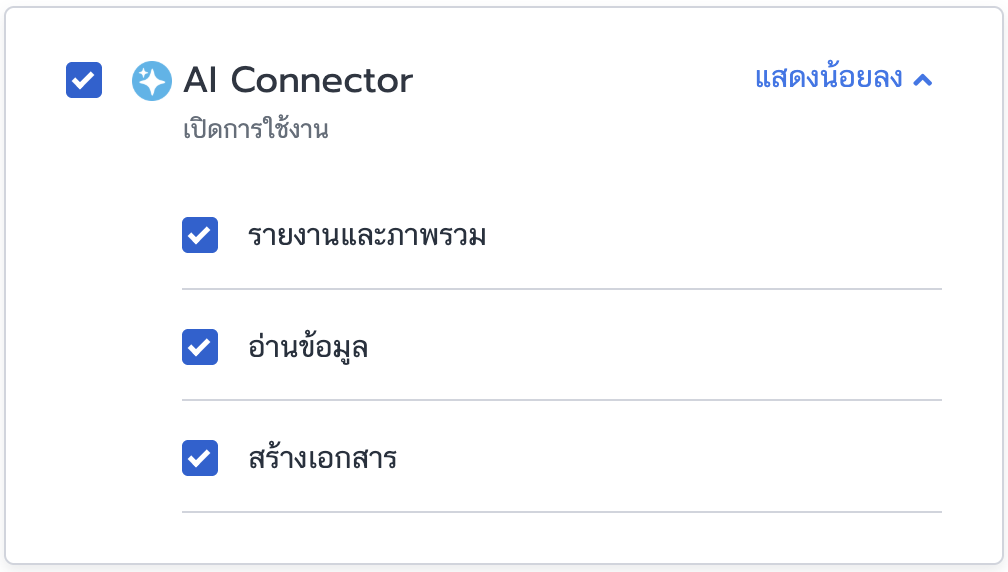
Once connected, just type your request in plain language. See example commands under “What documents can it create?” above.
What are the limitations?
| Limitation | Details |
|---|---|
| Editing existing documents | Not yet supported via AI — can be edited on the FlowAccount website |
| Deleting/voiding documents | Not yet supported via AI — can be deleted or voided on the FlowAccount website |
| Creating a single contact or product on its own | Contacts or products are only created automatically as part of creating a document (if they don’t already exist in the system) |
| Creating credit notes or debit notes | Can be read, but not yet created via AI — can be created on the FlowAccount website |
| Partial payments / installment payments | Not yet supported |
| Bank reconciliation, payroll, stock adjustments | Not yet supported |
| Switching companies | Disconnect, then Connect again |
Basic troubleshooting
Can’t connect
First check that you’re logged in with the correct FlowAccount user account and company. If you still can’t connect, try disconnecting and reconnecting via Settings > Connectors.
Numbers look incorrect
First check the data in the FlowAccount system. If you find a discrepancy, you can contact our support team for help via: Support (LiveChat, support@flowaccount.com, or 02-026-8989)